Pick a brewer.
Type the coffee.
Pour.

Pick your brewer
Tap the card above the keys to switch methods. Each one keeps its own ratio.

Type your coffee
Enter the grams you weighed. The water updates with every key.

Make it yours
Change a method’s ratio, art and brew style, or add your own.
Built like a bench scale.
Big lit numbers you can read from across the counter, and keys that each do one thing.
Works both ways
Know how much water you have? Tap swap, type the water, and get the coffee.
Your units
Coffee in grams or ounces. Water in grams, millilitres or fluid ounces.
Your ratios
Every method keeps its own ratio. Nudge it up or down, or start a new one.
Brew styles
Filter, espresso
or lever.
Tell Coffee Calc how you brew and it knows what the water number means.

Filter coffee
For brewers like a V60, Chemex or French press. The water calculated is how much you pour.

Espresso machine
For home and café espresso machines. The water calculated is the espresso in the cup.

Manual espresso
For hand-pump and lever makers like a Flair or Picopresso. Calculates both the dose and yield.


Brewer art
Supports all your
favorite brewers.
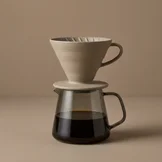
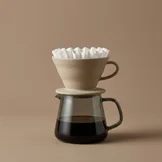
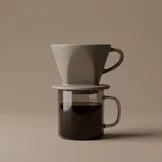
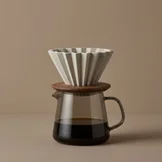
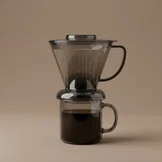
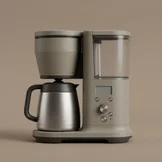
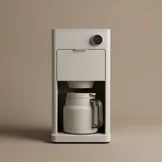
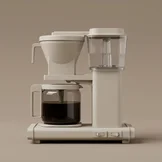
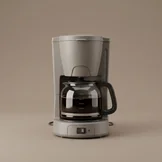
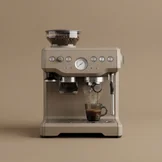
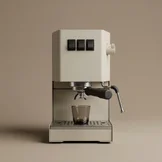
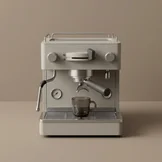
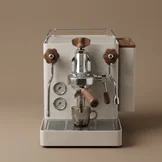
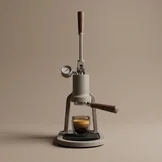
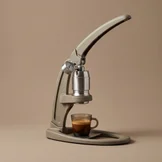
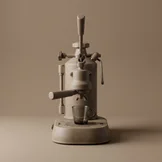
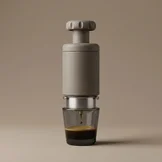
Custom, beautiful artwork for 43 brewers, from a Hario V60 to a La Marzocco Linea Micra. Pick the one on your counter.
Made for Light and Dark
Every brewer comes in a light and a dark version, so the art always matches your iPhone.
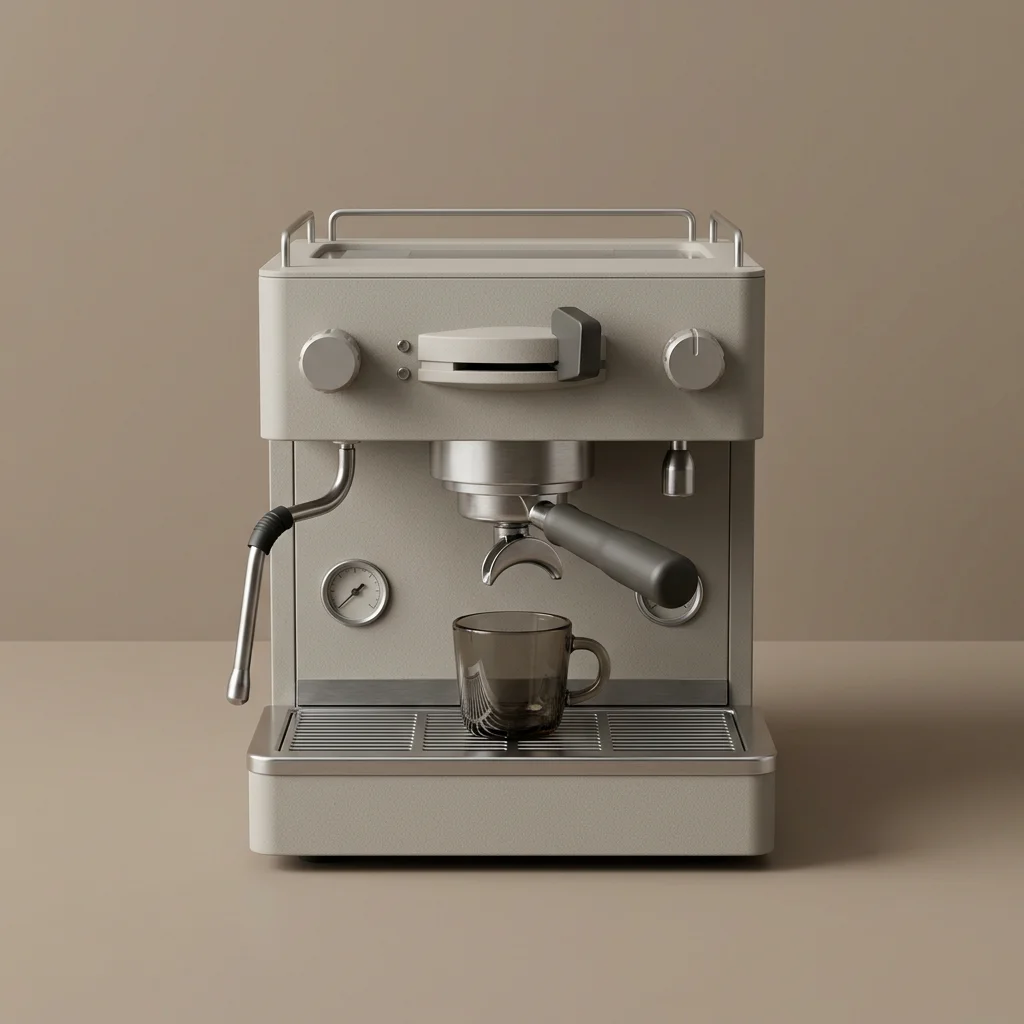
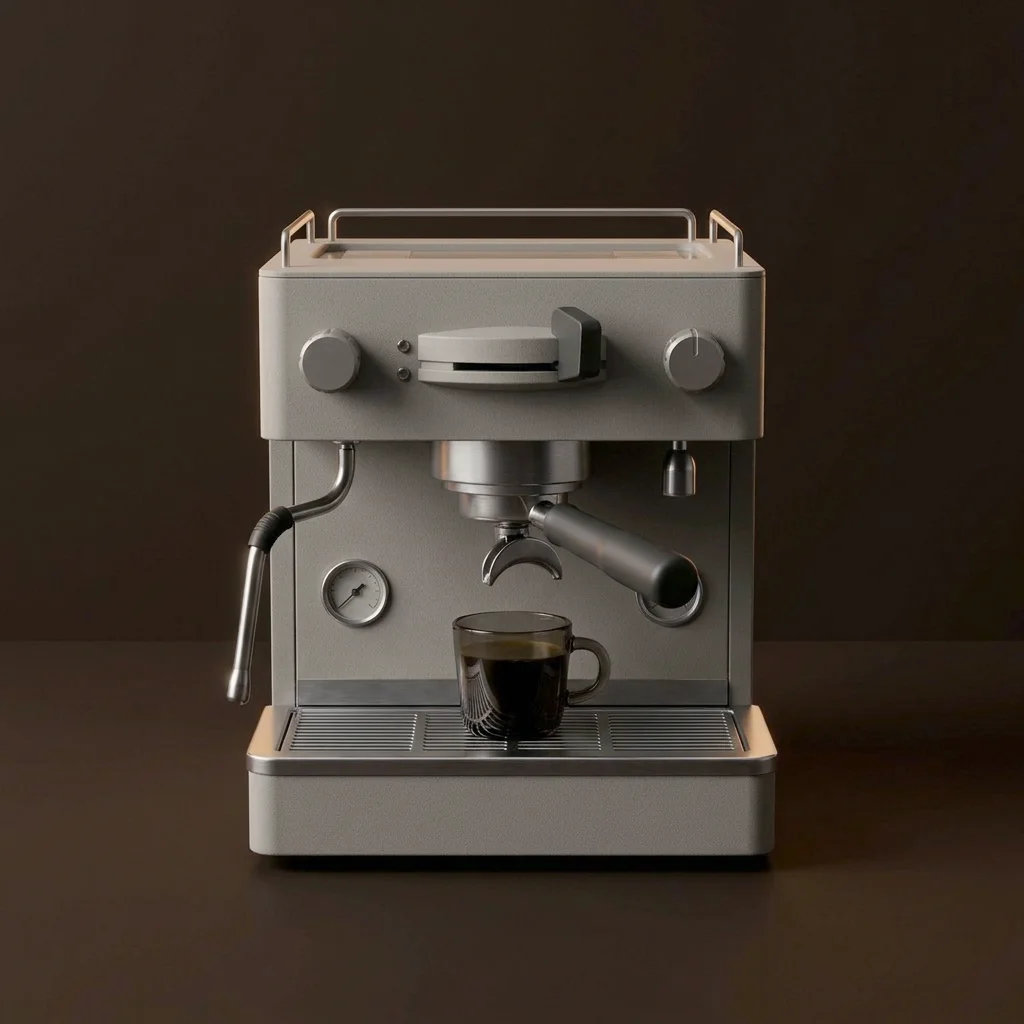
Pour over
7 brewers



Immersion
7 brewers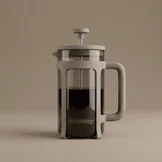
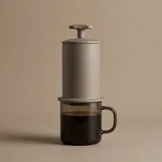
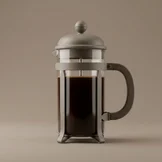
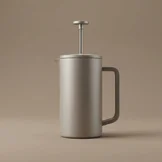
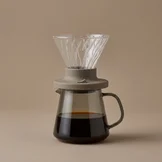
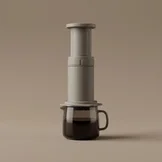


Batch brewers
7 brewers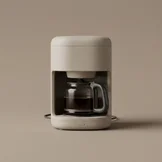
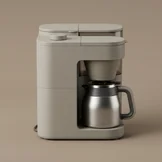
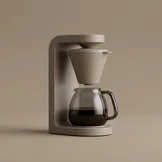


Espresso machines
7 brewers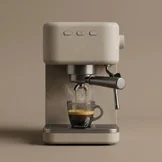
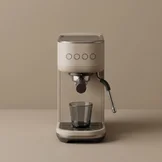
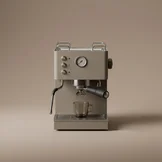


Lever and manual espresso
7 brewers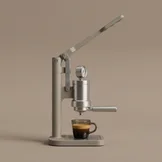
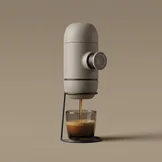
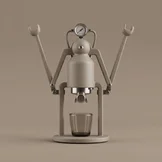


Stovetop and traditional
4 brewers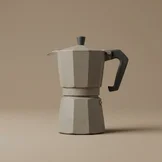
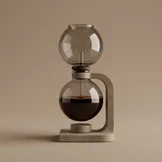
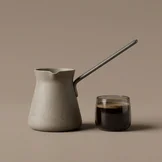
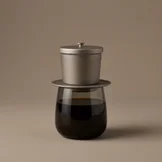


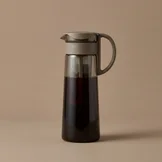
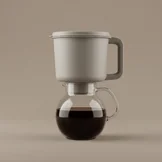
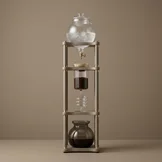
Cold brew
4 brewers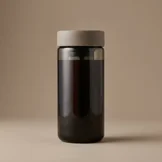


Your next cup,
worked out.
Coffee Calc is on the App Store for iPhone and iPad.